PortCV Resume Templates

Professional Resume TemplatesChoose the Design. Keep Control of the Content.

Browse professional resume templates for ATS-aware, modern, simple, and role-specific applications. Compare free and premium options, customize the layout, and export a polished PDF with PortCV.

Structured editingATS-aware choicesFlexible formattingPDF-ready preview
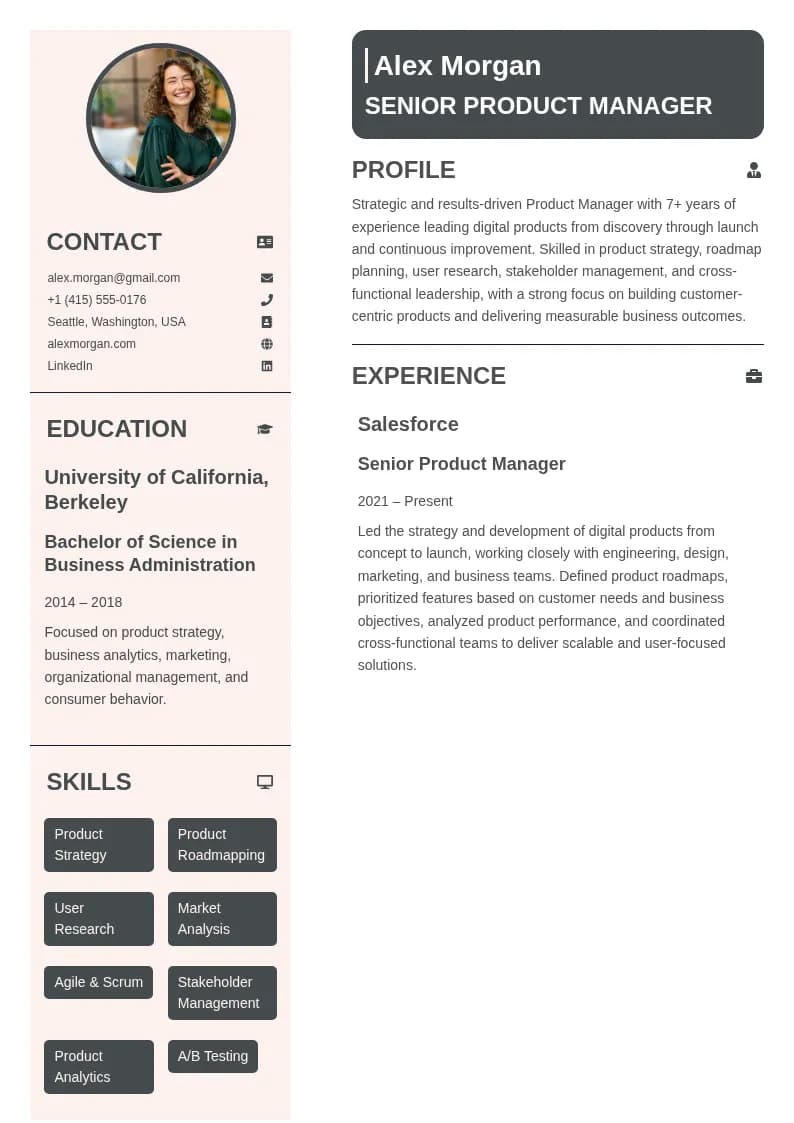
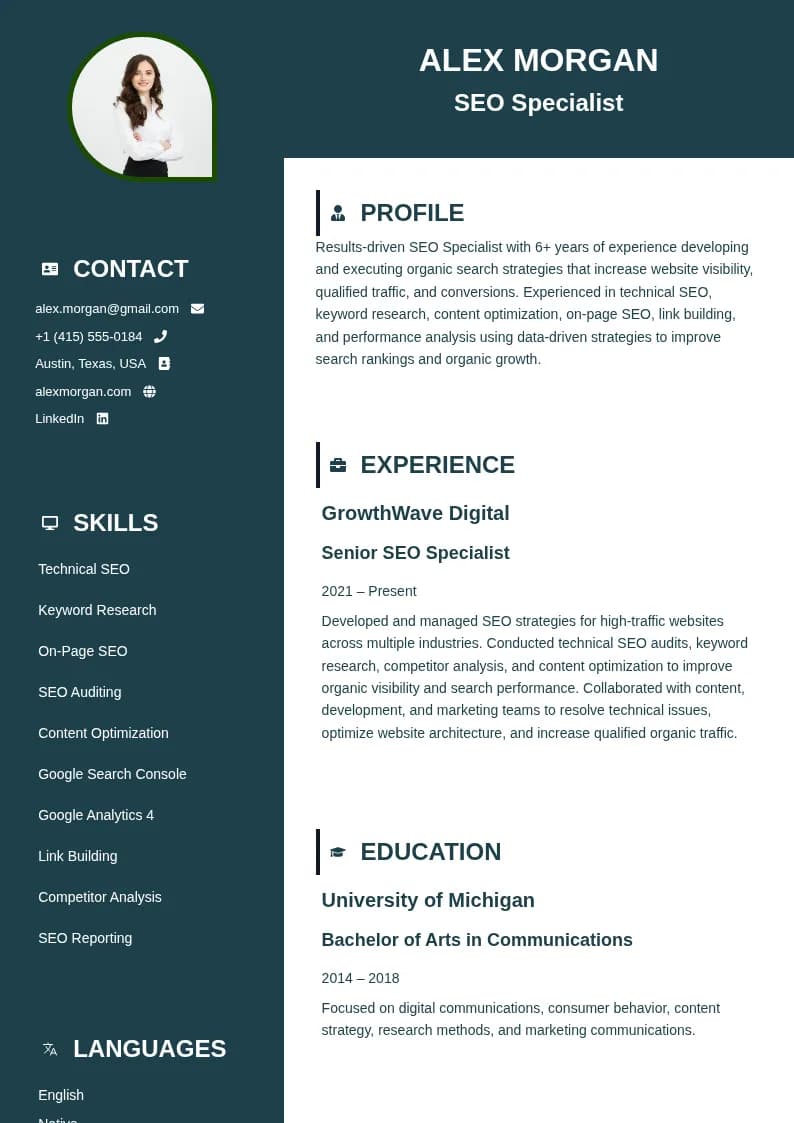
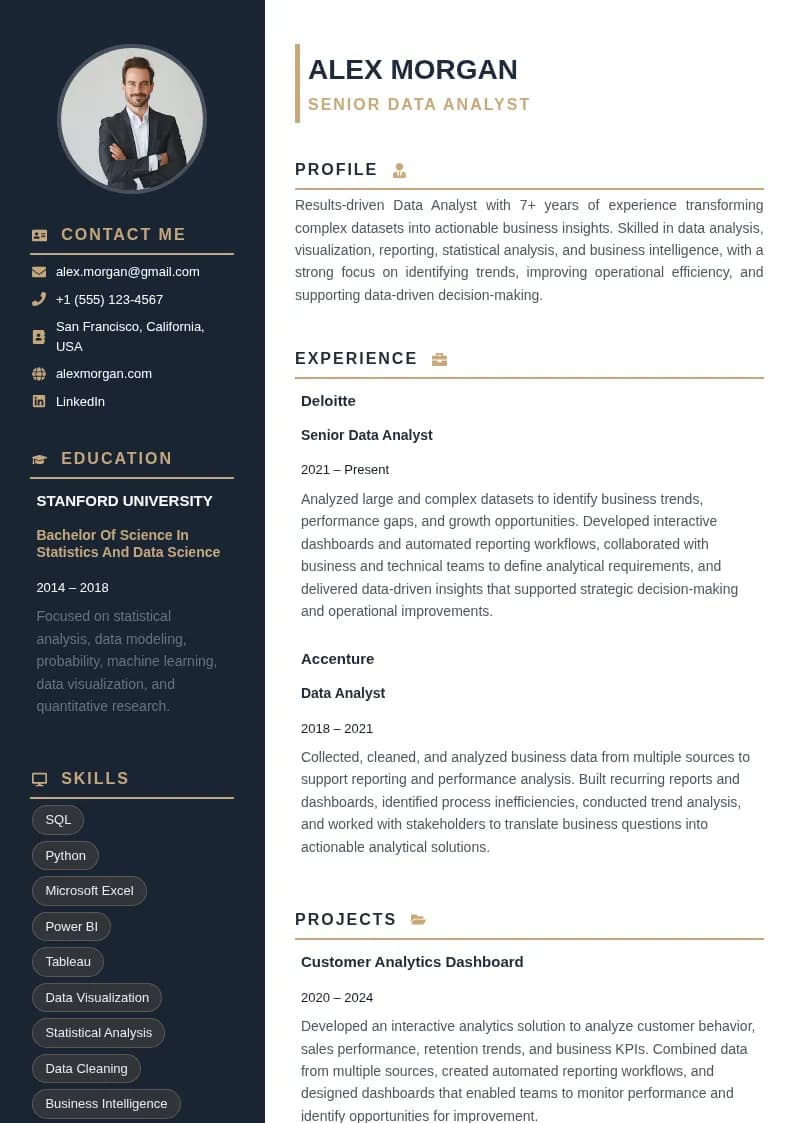
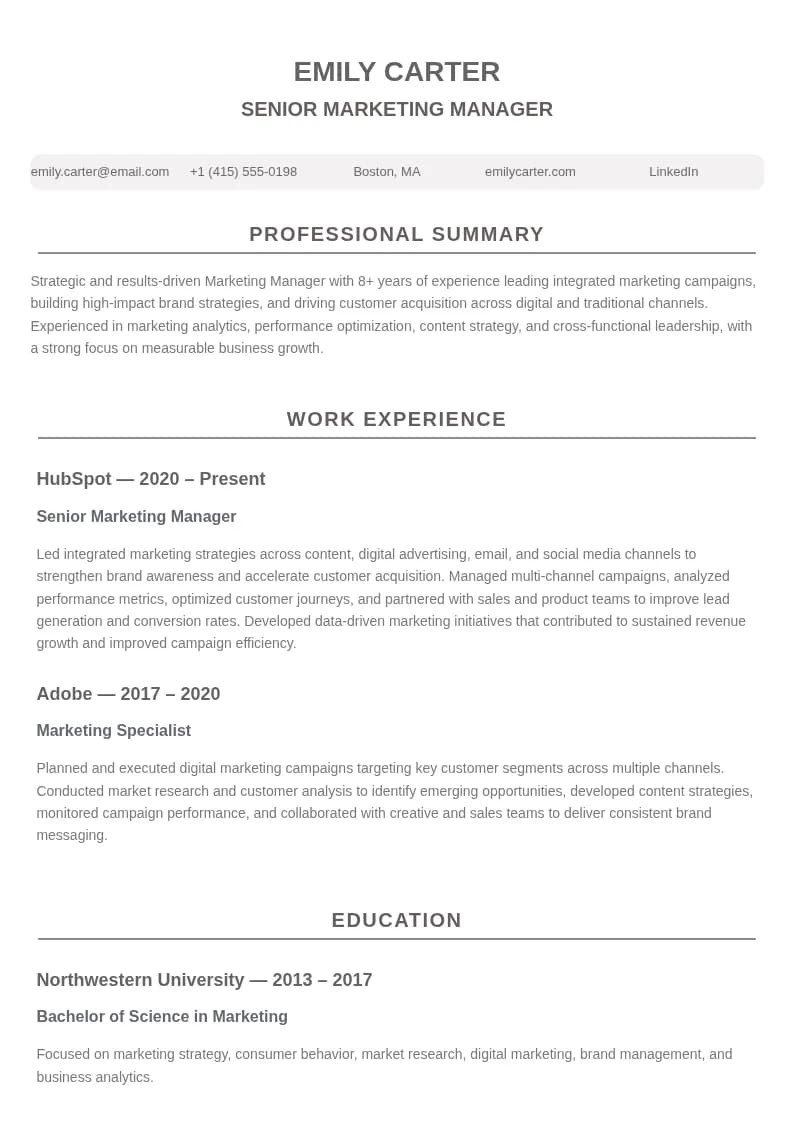
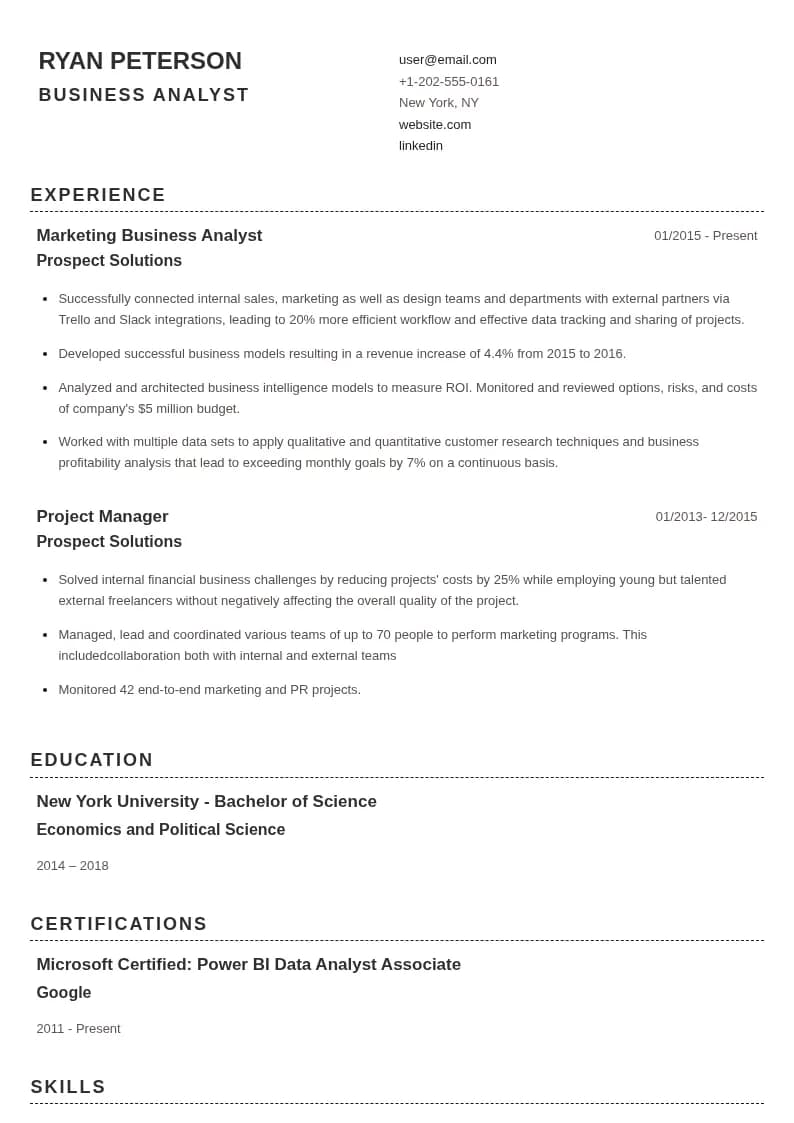
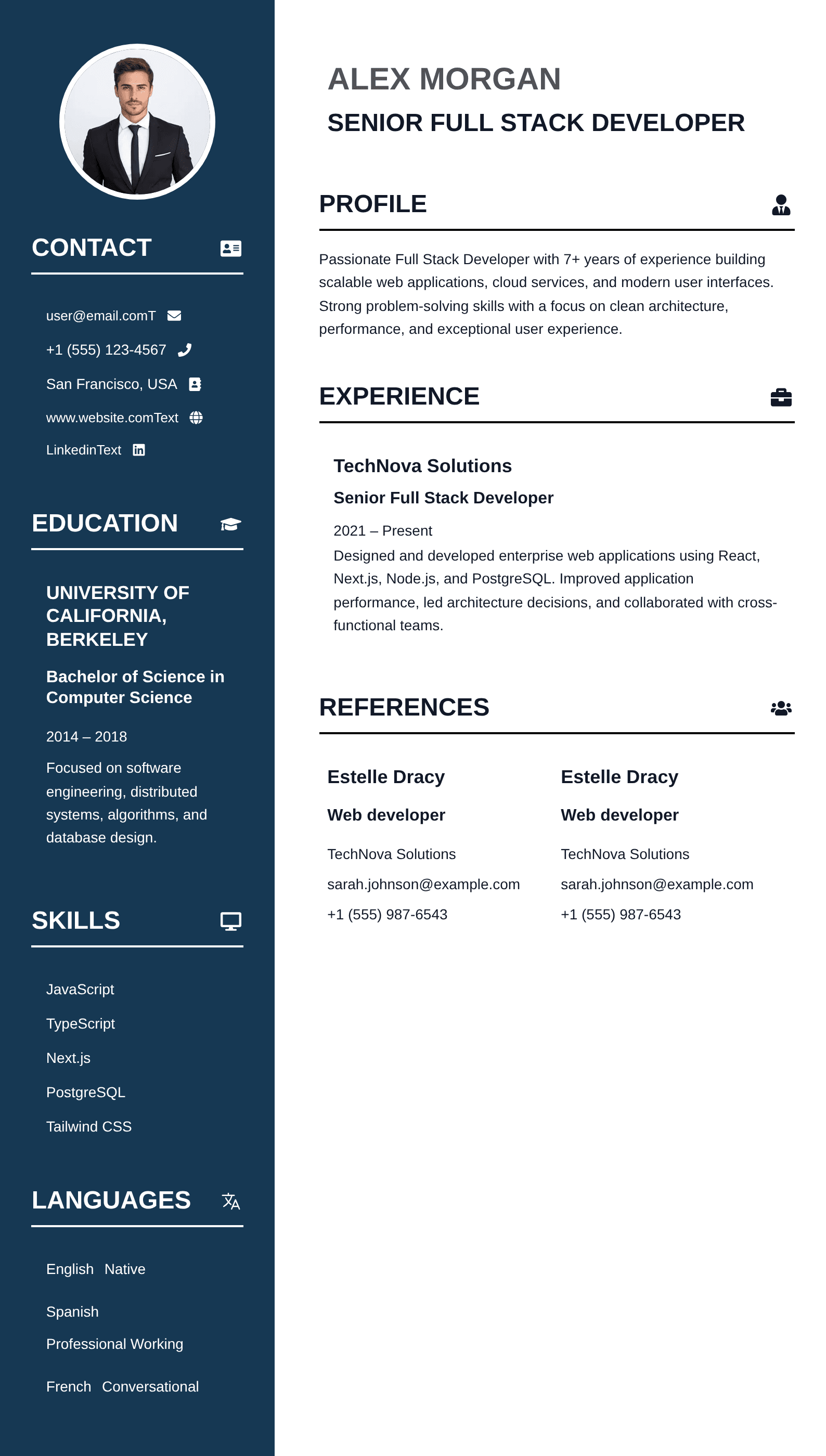
Professional resume template in the PortCV resume engine

Choose by job context

A Resume Template Is a Presentation Layer, Not the Resume Strategy

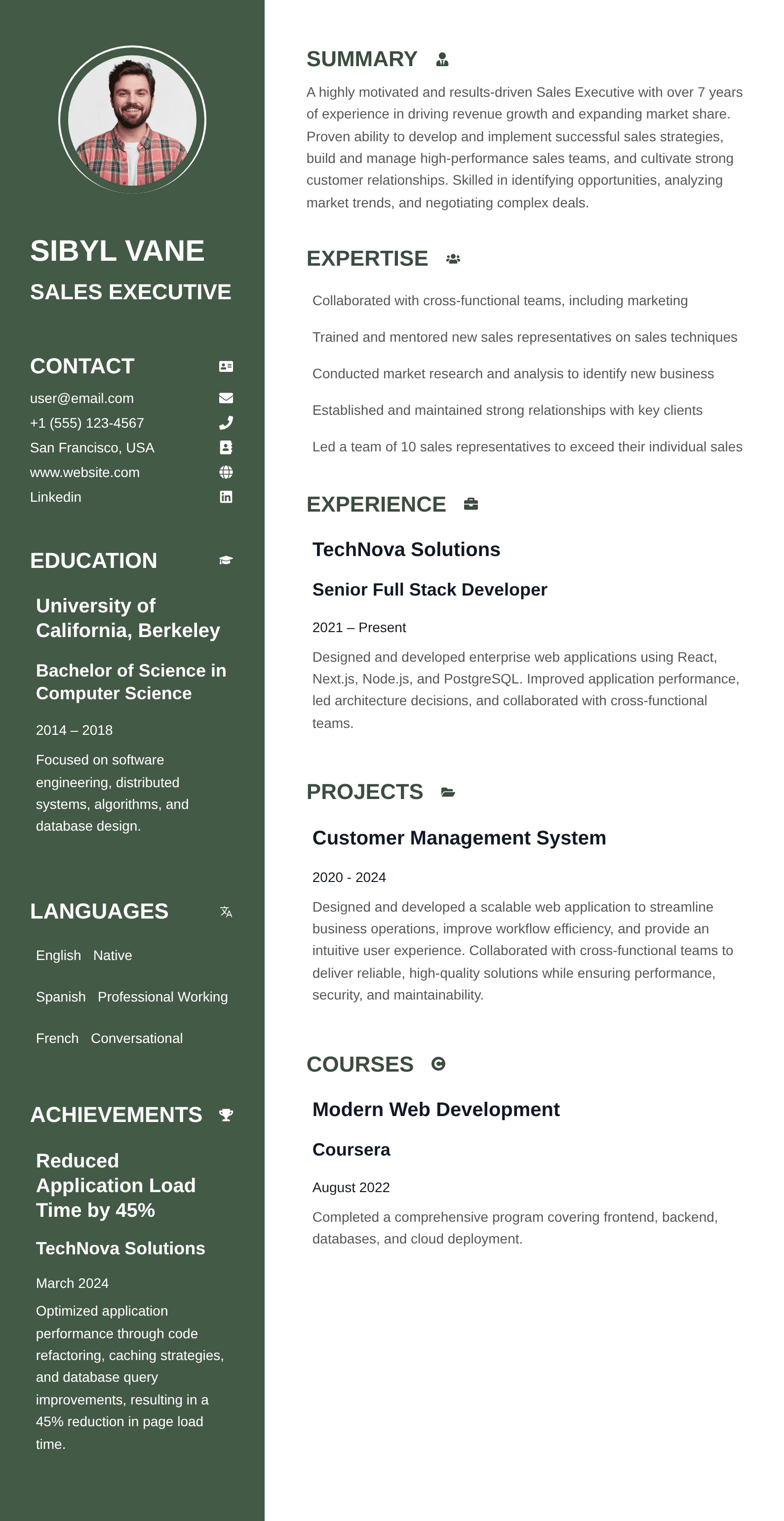
Your resume content is the evidence you present, the structure organizes that evidence, the resume format determines its information order, and the visual template controls presentation. Choose a design that makes the right content easy to scan; ATS-heavy applications usually benefit from clear reading order and standard headings, while direct-review creative roles can support more visual personality without sacrificing readability.

Template gallery

Choose a resume template and make it yours

Browse professional resume templates with ATS-friendly structure, modern resume design, and flexible resume customization. Preview a layout, then adjust content, colors, typography, spacing, and sections in PortCV.

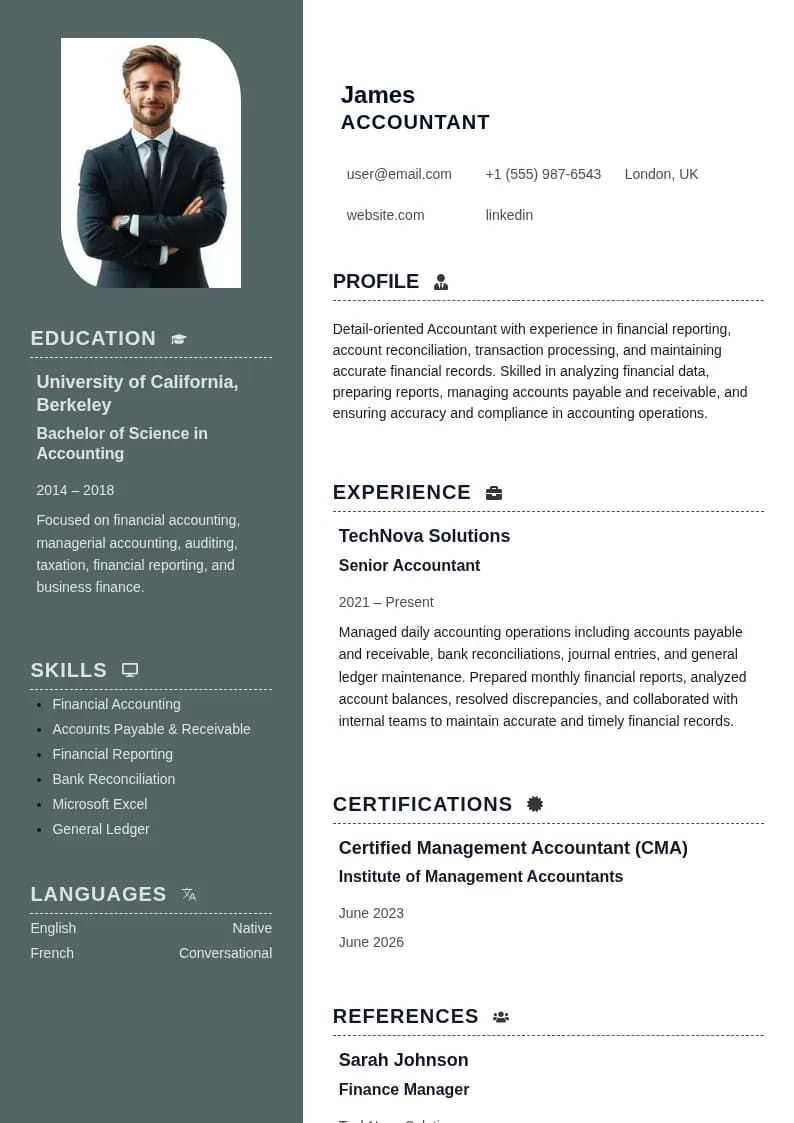
Accountant Resume resume template previewfreePreview Accountant Resume resume template

Modern resume

Accountant Resume

A clean and professional resume template designed for accountants and finance professionals. It provides a well-organized structure for presenting accounting experience, financial skills, education, certifications, and professional achievements in a polished and easy-to-read format.

  • A4-ready layout
  • Editable sections
  • PDF export

Match the design to the evidence

The best resume templates make your strongest information easier to find

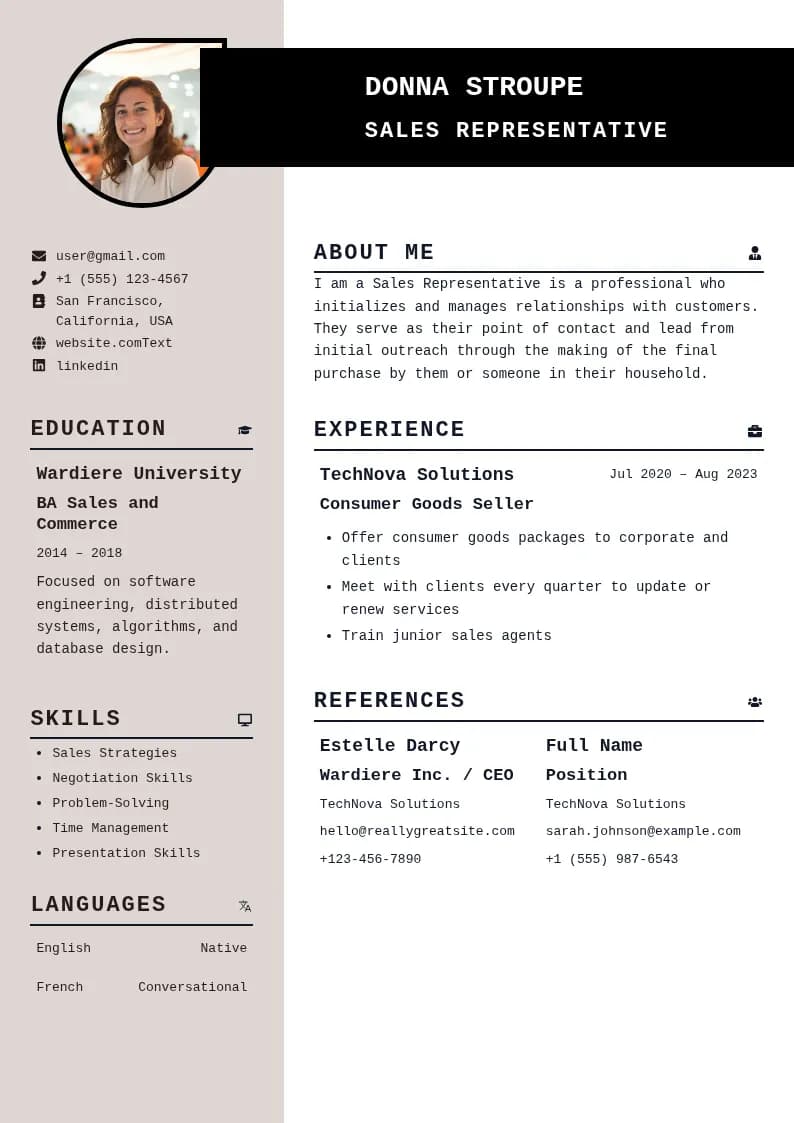
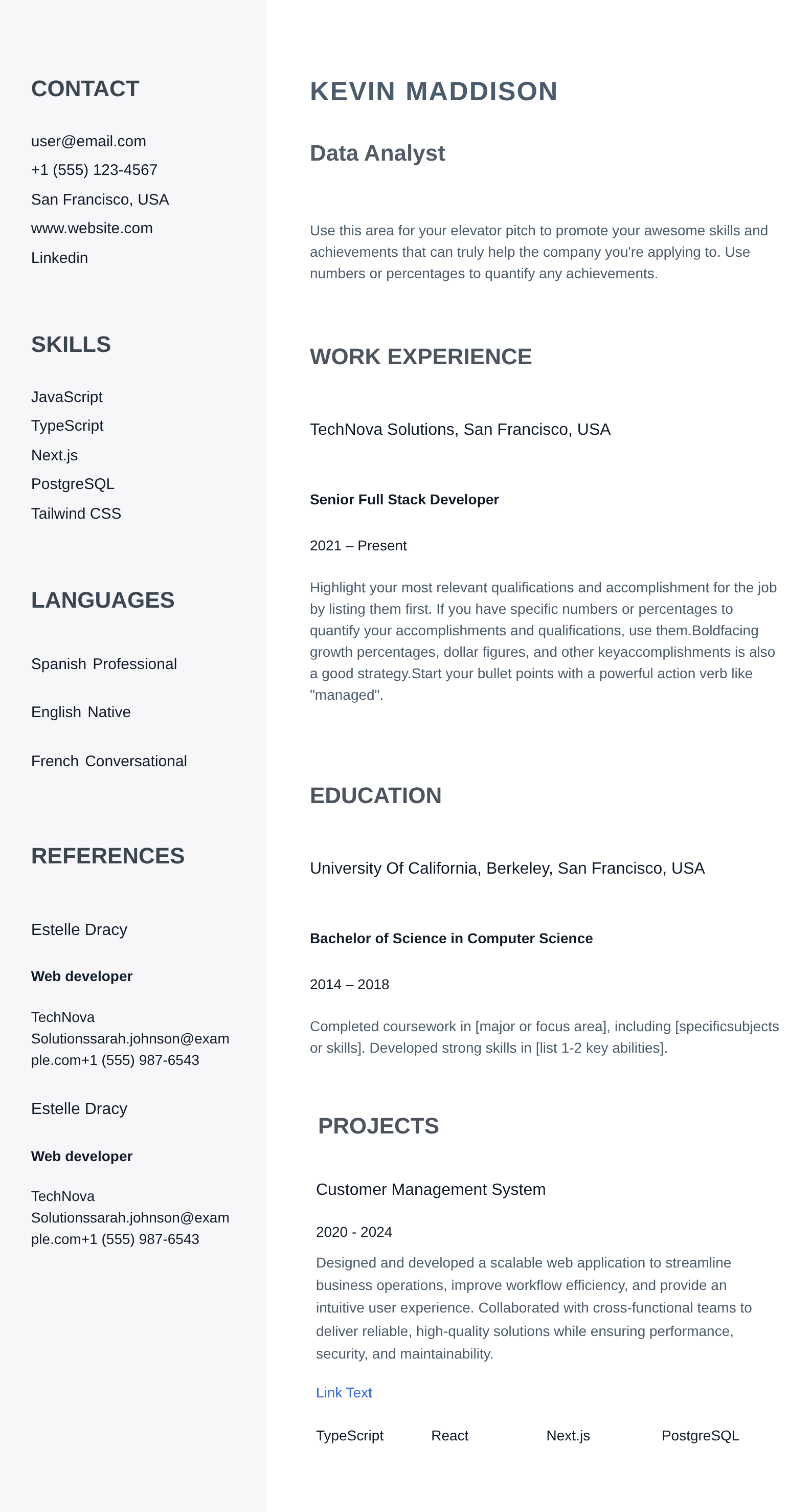
Modern resume templates can add contemporary typography and restrained color; simple resume templates reduce visual noise; clean resume templates leave more attention for the content itself. None of those labels automatically makes a design better. Test your real work history, skills, and page length before choosing.

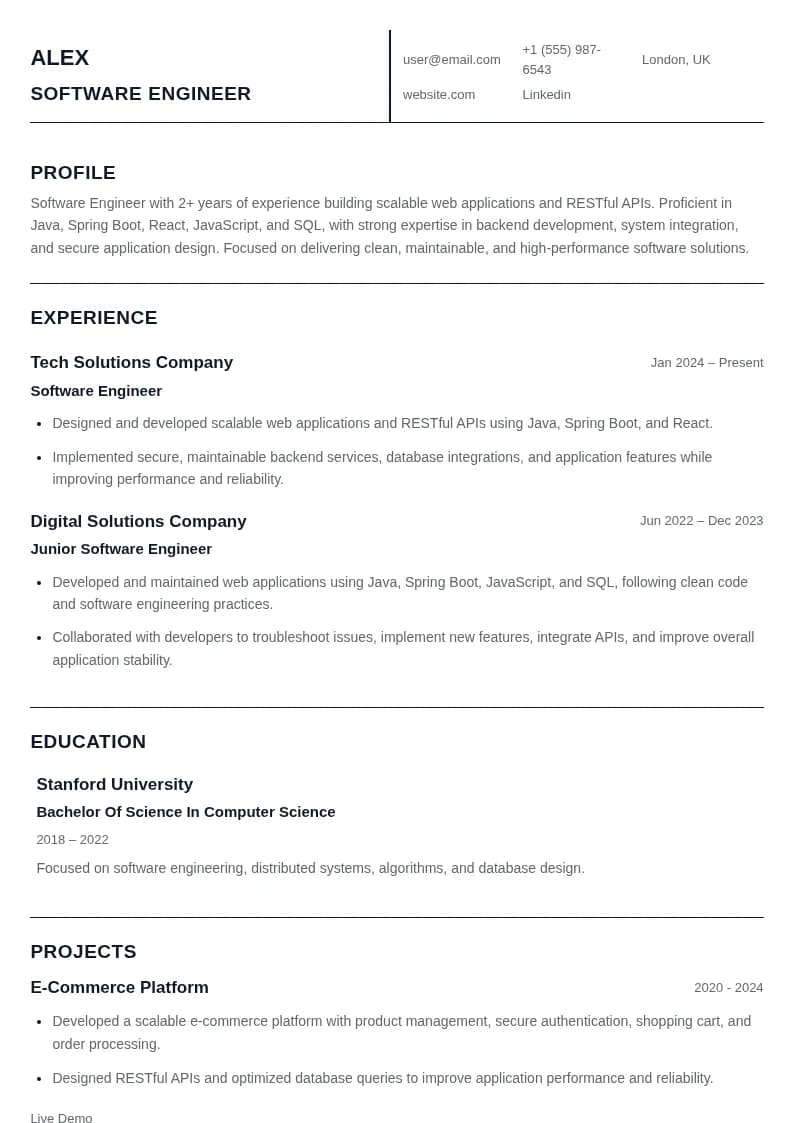
Resume templates for students and graduates often need room for education, projects, coursework, and internships. Resume templates for engineers and developers usually need readable technical skills plus enough space to explain systems or projects. Experienced professionals may need a second page rather than squeezing a long career into tiny type.

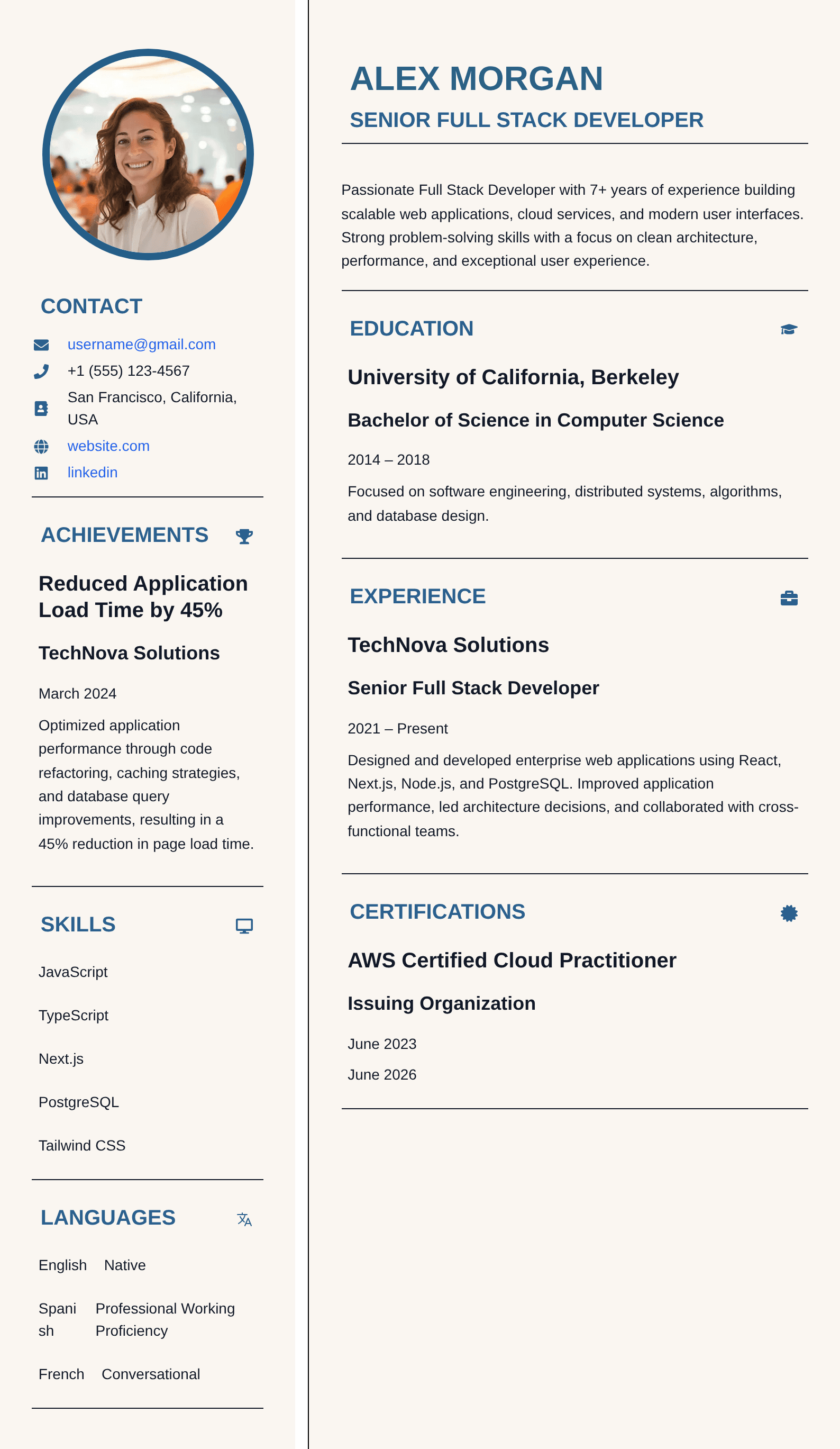
PortCV templates are editable and customizable inside the resume engine. Instead of downloading a static file and fighting its placeholders, you can keep sections structured, change supported presentation choices, and export the finished version after reviewing page flow.


Inside the resume engine

Switch the design without treating your career history as static artwork

Structured sections

Experience, education, skills, projects, certifications, languages, publications, and other content remain editable semantic blocks rather than text trapped in a screenshot.

Visual controls

Adjust section order, visibility, typography, spacing, page settings, colors, borders, and supported layout choices while reviewing the complete document.

Content tools

Use Resume Analyzer, ATS job matching, keyword tools, and AI Resume Copilot on the content before deciding that design is the problem.

How to choose a resume template

  1. 1

    Choose the target

    Start from the job family, hiring channel, industry, and career stage so the design has a real purpose.

  2. 2

    Choose the format

    Decide whether chronology, a combination structure, academic depth, or another information order fits the evidence.

  3. 3

    Test real content

    Place your actual job titles, bullets, projects, and credentials into the template; sample text hides real wrapping problems.

  4. 4

    Inspect the PDF

    Review page breaks, text size, links, contrast, and reading order in the exported file before submitting.

Resume template FAQ

Questions before you choose a template

Are PortCV resume templates ATS-friendly?

PortCV templates use readable text, clear hierarchy, and structured sections. For ATS-heavy applications, keep conventional headings, avoid unnecessary graphics, and check the exported PDF against the job description.

How do I choose the right resume template?

Choose for your career stage, industry, amount of content, and hiring channel. Add your real experience first, then confirm that the hierarchy, page breaks, and type size remain easy to scan.

Can I customize a resume template?

Yes. PortCV templates have editable sections and supported controls for section order, typography, spacing, colors, borders, and layout, so you can tailor the design without rebuilding it from scratch.

Are free resume templates available?

Yes. Use the Free filter in the gallery to see templates currently available with a free plan option. Each template page identifies its access level before you begin editing.

Should I use a modern or simple resume template?

A modern template can suit roles where restrained color and contemporary typography feel appropriate. A simple template is often better when dense experience, conservative presentation, or straightforward ATS reading is the priority.

Can I change templates after adding my resume content?

Your resume content is maintained as structured sections, so you can review it in another design. Always inspect the new page flow, spacing, links, and PDF before submitting it.

PortCV Resume Engine

Build a resume that is ready for the job you want

Turn the guidance into a real resume in PortCV. Edit structured sections, refine wording with AI, check job alignment, switch layouts without rewriting your content, and export a polished PDF from one resume engine.

Structured section editingATS-aware guidanceAI Resume CopilotPDF export