
Plain Text Resume FormatExamples, Structure & Templates
A plain text resume uses simple text without complex formatting, graphics, tables, or decorative design elements. Its straightforward structure makes it easy to read, copy, paste, and process across different systems and platforms.

What Is a Plain Text Resume?
A plain text resume is a resume written using basic text characters without relying on complex formatting, images, graphics, tables, columns, or advanced visual layouts. This format is designed to remain readable when copied between applications, pasted into online forms, submitted through older systems, or processed by software that may not preserve rich document formatting. Plain text resumes are especially useful when an employer specifically requests a text-based resume or when you need a reliable version that can be pasted directly into an email, application form, or online profile.
When to Use a Plain Text Resume
ATS and Online Applications
Useful when submitting resume content through systems that may strip formatting or have difficulty interpreting complex layouts.
Copy-and-Paste Applications
Ideal when you need to paste your resume into an online application, email, text field, or other platform that does not support rich formatting.
Technical Applications
A practical option for technical roles, recruiting databases, and situations where clean structured text is more important than visual presentation.
When to Avoid a Plain Text Resume
Creative Positions
Plain text may not effectively demonstrate visual design skills when applying for graphic design, branding, or other highly creative roles.
Visual Presentation Matters
A professionally designed resume can make a stronger impression when layout, typography, branding, or visual hierarchy are important to the position.
PDF Applications
When an employer specifically requests a professionally formatted PDF, a plain text version may not provide the presentation expected.
Highly Competitive Applications
A polished resume design may provide stronger visual hierarchy and scanning experience when recruiters are reviewing many applications.
How to Write a Plain Text Resume
Follow these steps to create a clean text-based resume that remains readable across different systems and platforms.
Use a Simple Text Structure
Organize your resume with clear headings, consistent spacing, and straightforward sections that remain readable without visual formatting.
Choose Standard Section Headings
Use familiar headings such as SUMMARY, SKILLS, EXPERIENCE, EDUCATION, and CERTIFICATIONS so recruiters and systems can quickly identify each section.
Use Simple Characters
Use standard keyboard characters and avoid special symbols, graphics, text boxes, tables, and formatting that may disappear when the resume is transferred between systems.
Write Concise Achievement Statements
Use short bullet-style lines or simple hyphens to describe responsibilities, achievements, and measurable results without relying on complex formatting.
Check the Final Text
Paste the resume into a plain text editor before submitting it to confirm that spacing, headings, characters, and content remain readable.
Plain Text Resume Structure
A plain text resume relies on simple headings and consistent spacing to organize information without visual formatting or complex document elements.
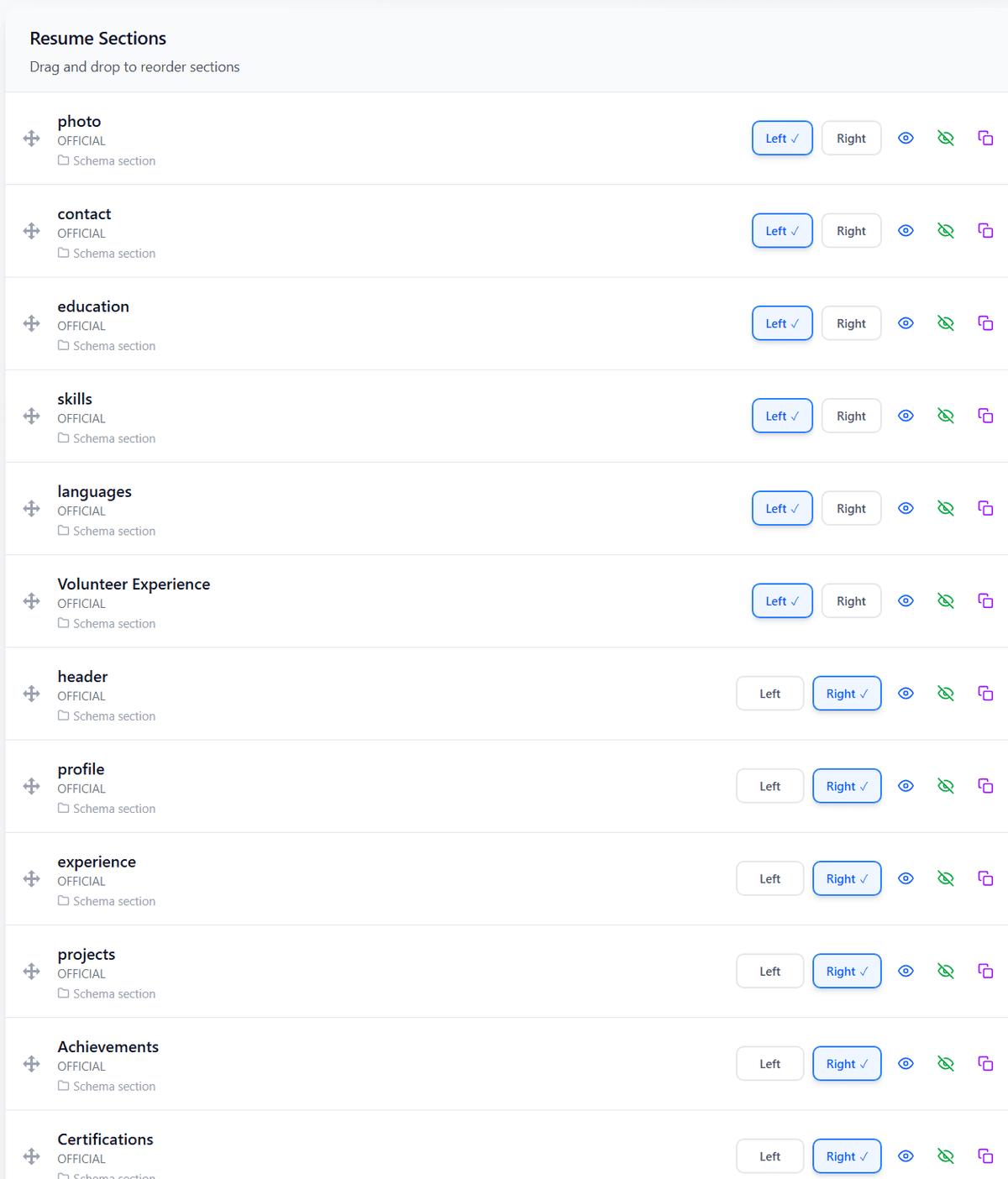
Section Order
Tips for Creating a Plain Text Resume
Use Standard Characters
Stick to common keyboard characters and avoid unusual symbols, decorative icons, graphics, and formatting that may not transfer correctly.
Keep Spacing Consistent
Use clear spacing between sections and entries so the resume remains easy to scan even without fonts, colors, or visual design.
Prioritize Keywords
Use relevant terminology from the job description naturally throughout your summary, skills, and experience to improve relevance in text-based screening.
Plain Text vs Other Resume Formats
| Feature | Feature | Traditional | Modern | Plain Text |
|---|---|---|---|---|
| Best For | Professional Applications | Contemporary Professional Roles | Text-Based and System-Limited Applications | |
| Visual Design | Minimal | Moderate | None | |
| Formatting Flexibility | Moderate | High | Very Limited | |
| ATS Compatibility | Generally ATS-Friendly | Generally ATS-Friendly When Kept Simple | Highly Compatible |
Frequently Asked Questions
1What is a plain text resume format?
A plain text resume is a resume written using basic text without complex formatting, graphics, tables, images, or decorative design elements. It is designed to remain readable across different systems and applications.
2Are plain text resumes ATS-friendly?
Yes. Plain text resumes are generally highly compatible with systems that process text because they avoid many formatting elements that can interfere with automated parsing.
3When should I use a plain text resume?
Use a plain text resume when an employer requests one, when you need to paste your resume into an online form or email, or when you are working with a system that does not reliably preserve document formatting.
4Can a plain text resume have bullet points?
Yes. You can use simple characters such as hyphens or asterisks to create readable bullet-style lists. Avoid unusual symbols that may not display correctly across systems.
5What is the difference between a plain text and PDF resume?
A plain text resume contains basic text without visual formatting, while a PDF resume preserves a designed document layout, including fonts, spacing, colors, and other visual elements.
6Is a plain text resume better than a traditional resume?
Not always. Plain text resumes offer excellent compatibility and portability, while traditional resumes provide stronger visual hierarchy and presentation. The best choice depends on the application requirements.
Still have questions? Contact our support team
All Resume Formats
Explore all resume formats supported by PortCV. Each format is designed for specific career situations and goals.
Chronological Resume Format
The most common format that highlights your work experience in reverse chronological order.
Functional Resume Format
Focuses on skills and achievements rather than employment history.
Combination Resume Format
Blends skills and professional experience for a balanced approach.
Academic Resume Format
Designed for students, researchers, and academics with emphasis on education and research.
Creative Resume Format
Allows for unique layouts and typography, perfect for designers and artists.
Google Docs Resume Format
Optimized for creating and editing resumes in Google Docs.
Build Your Resume for Free
Ready to Create Your Resume?
Create a professional, ATS-friendly resume with PortCV. Build a clean structure, optimize your content, and export a polished resume ready for your next application.